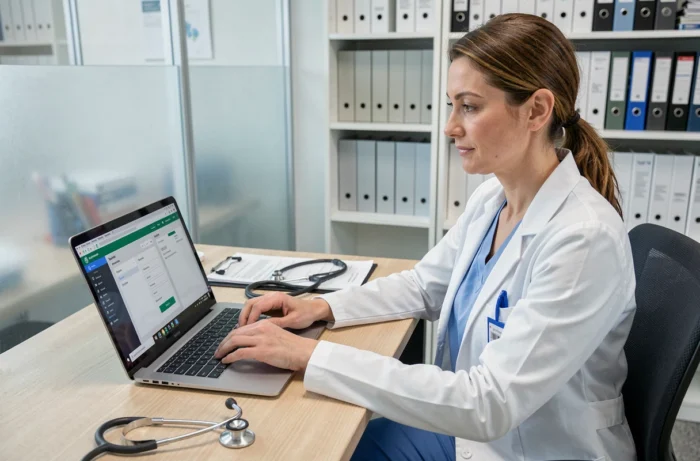
GM Vet 1 is a veterinary software accessible via a web browser, without local installation. The first connection to this type of cloud platform determines the proper functioning of everything that follows: user account synchronization, access to patient records, appointment management. A hasty initial setup or an unsuitable technical environment generates blockages that the organization will carry for weeks.
Prepare the workstation and browser before opening GM Vet 1
The majority of first connection failures do not come from the software itself, but from the workstation used. GM Vet 1 operates in a browser (Mac, PC, or Linux), which means that the browser version determines the stability of the session. An outdated browser can block the display of the interface or prevent the validation of credentials.
Before any connection attempt, three checks should be made on each workstation in the organization:
- Update the browser to its latest stable version. Updates fix security vulnerabilities that can interfere with authentication on a cloud platform.
- Clear the browser’s cache and cookies. Residual data from a previous session or another web application can cause display errors on the login page.
- Test the connection from a second workstation if the first fails, in order to distinguish a local problem (firewall, proxy, blocking extension) from an incident on the server side.
These precautions, documented notably by the Boule de Poil website in an article updated in September 2026, apply to any professional cloud application used by multiple team members. On a shared workstation in a clinic, a browser extension installed by another user can be enough to disrupt the loading of GM Vet 1.
To connect to GM Vet 1 under good conditions, it is preferable to perform this technical check only once, in advance, rather than trying to find the cause of a blockage on the day when a client is waiting at the counter.
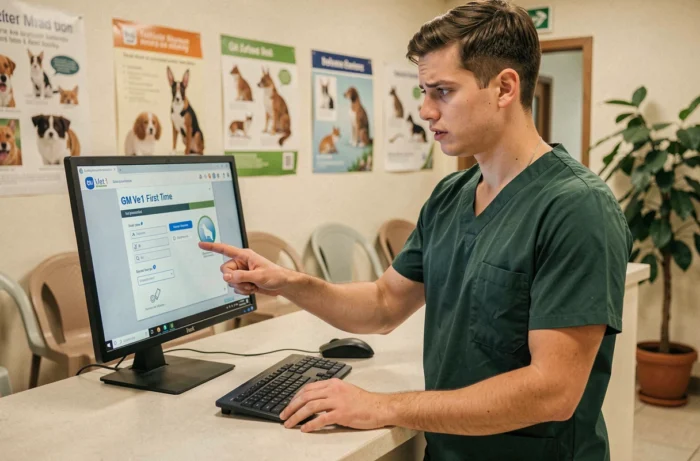
Credentials and temporary password on GM Vet 1
Creating a user account on GM Vet 1 is done through the organization’s administrator. They provide the name, role (veterinarian, veterinary assistant, substitute), and email address of the new user. The temporary password must be changed upon first login.
Keeping a temporary password beyond the first session is a real risk. This password has often been transmitted by email or dictated orally, making it vulnerable. Replacing it with a personal, long, and unique password protects the patient record and the organization’s data.
Choosing a password suitable for veterinary use
A password for a professional platform should not be managed like a social media password. A password manager prevents the reuse of the same code between GM Vet 1, email, and other online services. This practice significantly limits the risk that a session theft on a third-party site compromises access to the management software.
Each user in the organization must have their own credentials. A shared account between two veterinarians makes it impossible to trace the actions recorded in the patient file and complicates access rights management.
Check the clinic’s network environment
GM Vet 1 relies on a permanent internet connection. Backups and updates are managed server-side, which eliminates local maintenance but makes the quality of the network crucial.
An unstable connection causes session losses during consultations. The software may disconnect unexpectedly if the signal drops, requiring information to be re-entered. Two points deserve special attention.
Speed and latency
Download speed matters less than latency. A fiber connection with frequent micro-cuts will cause more problems than a stable ADSL connection. Before deploying GM Vet 1, a stability test over several hours (not just a one-time speed test) helps identify risky time slots.
Wi-Fi or wired network
In the consultation room, Wi-Fi is often disrupted by walls, imaging equipment, or other devices. Prioritizing a wired connection on fixed workstations reduces random disconnections. Wi-Fi remains acceptable for occasional use on a tablet, provided the router is recent and properly positioned.

Security of the GM Vet 1 account after the first connection
The successful first connection does not close the question of security. A professional account containing animal health data and client information requires ongoing precautions.
- Enable two-factor authentication if GM Vet 1 offers it. This mechanism adds validation via a temporary code (SMS or app) in addition to the password, blocking most unauthorized access attempts.
- Never save the password in the browser of a shared workstation. The “remember password” function exposes the account to anyone who has access to the workstation.
- Monitor suspicious validation requests. According to the Cyber Welfare website (September 2026), unusual confirmation requests (unsolicited push notification, code received without a login attempt) are the clearest signal of an intrusion attempt.
Logging out at the end of the day is a simple reflex that limits the exposure of the account, especially in organizations where multiple people use the same workstation in turn.
The initial setup of GM Vet 1 takes less time than resolving the issues it prevents. An up-to-date browser, a personal password, a stable network, and basic security reflexes are enough to avoid the vast majority of blockages reported by veterinary users.